How to Train Throw Power and Reach New Zones
You gain Throw Power by lifting your friend on the pink training mat, which directly increases the distance of your throws to reach farther monster zones.
Setting Up Your Throw Partner
Before you can train or throw, you need a partner attached to your character. By default, a noob character is carried alongside you near the starting boundary.
Your partner acts both as your weight during training and the projectile you launch across the map to lure out monsters.
Training on the Pink Mat
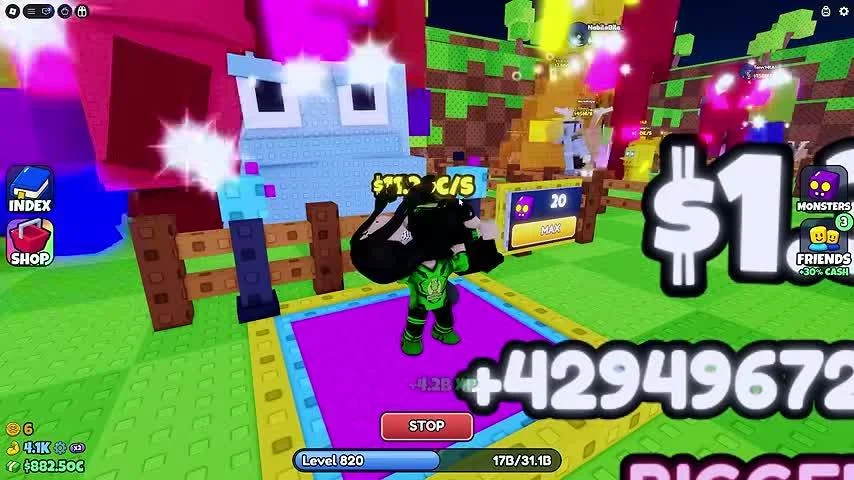
To build Throw Power, step onto the pink training mat in the lobby. Your character will begin lifting your carried friend like a dumbbell.
- Walk onto the pink training mat while carrying your partner.
- Watch your character perform reps to accumulate Throw Power.
- Click the STOP button on your screen when you are ready to leave the mat and test your distance.
Throwing Into Distant Zones
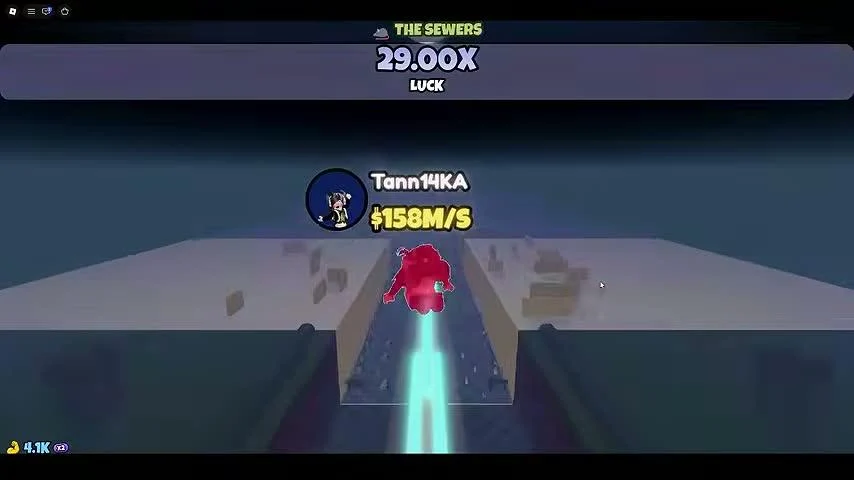
Higher Throw Power propels your friend past the early regions and into deeper areas of the map, such as THE SEWERS.
Each zone down the track contains its own pool of monsters. If your throws are falling short of a new boundary, return to the pink mat to build more power before launching again.